
One project.
Every working layer.
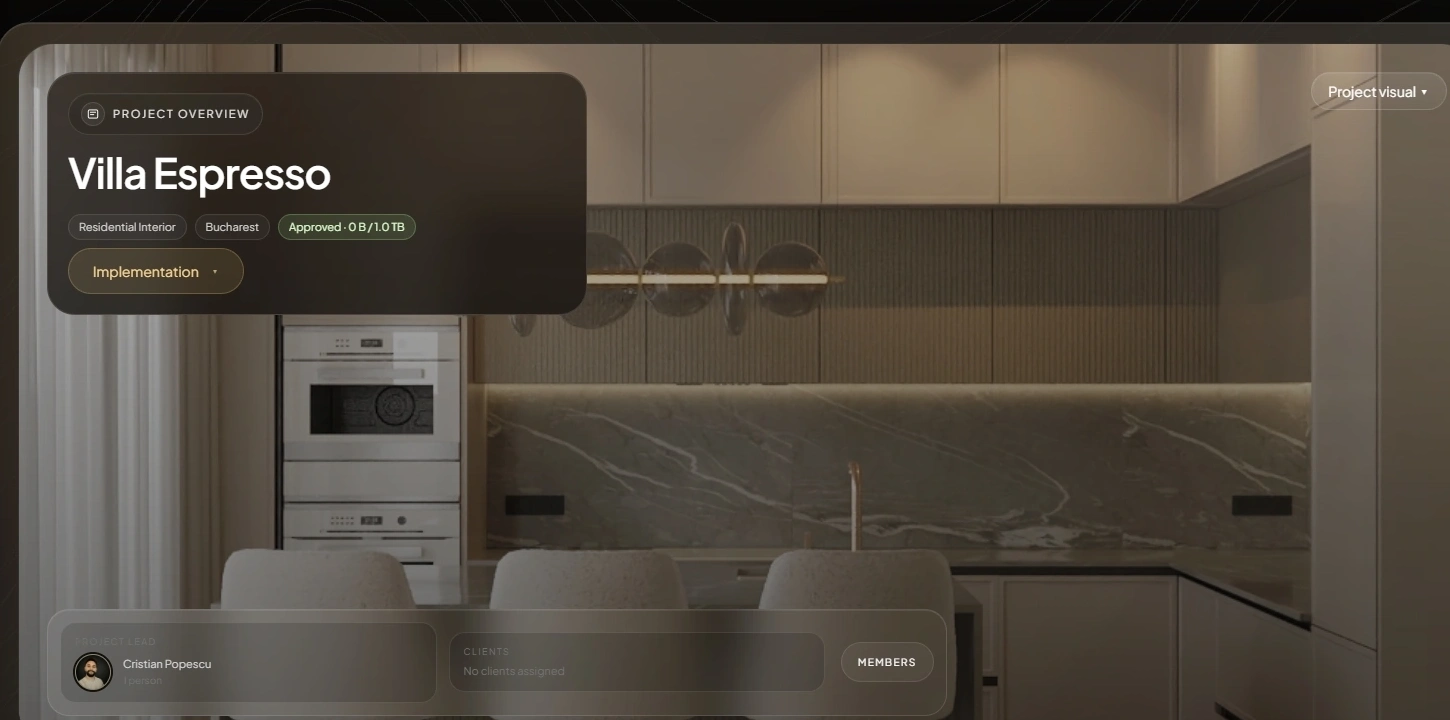
Project identity, rooms, sourcing, suppliers, documents, visual review, client access, notes, and output stay connected inside one operating project.
One shared operational state.
Current stays explicit.
The studio controls the view.
Not eight disconnected tools.
Each working layer inherits the same project context, then passes useful information forward.
What is happening in the project right now?
Project identity and room structure establish the context for everything that follows. Lists, activity, media, and documents remain readable as one project state.
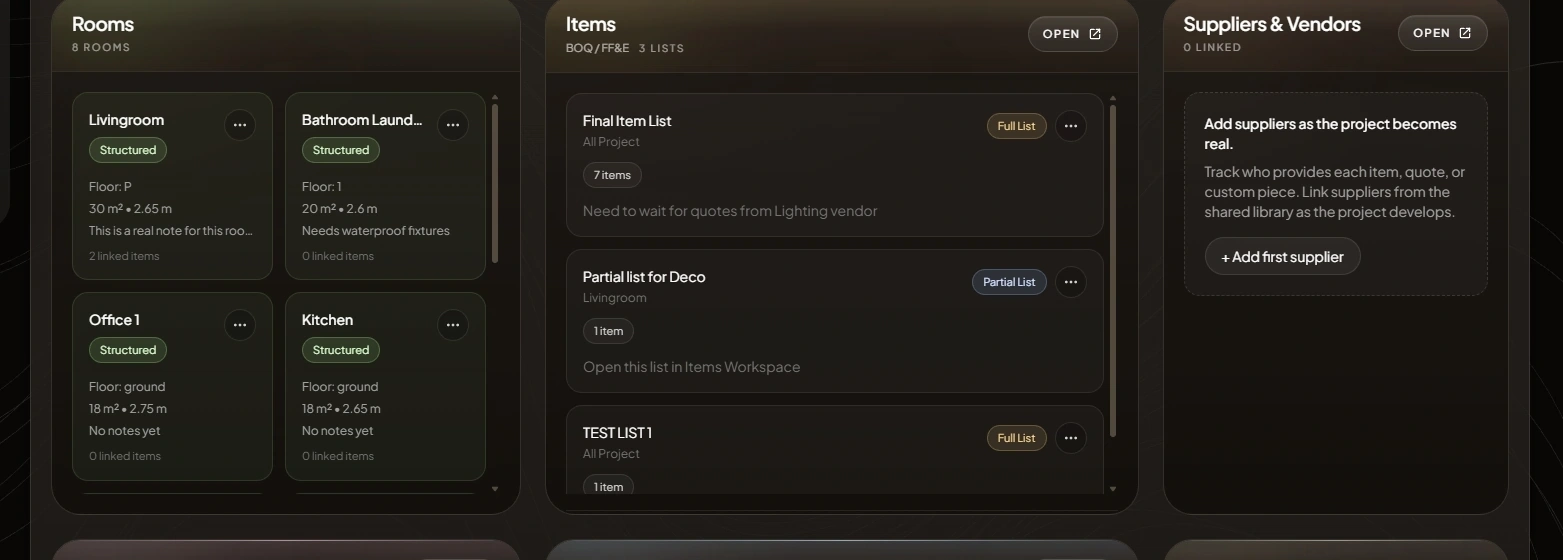
Identity, status, collaborators, and current work.
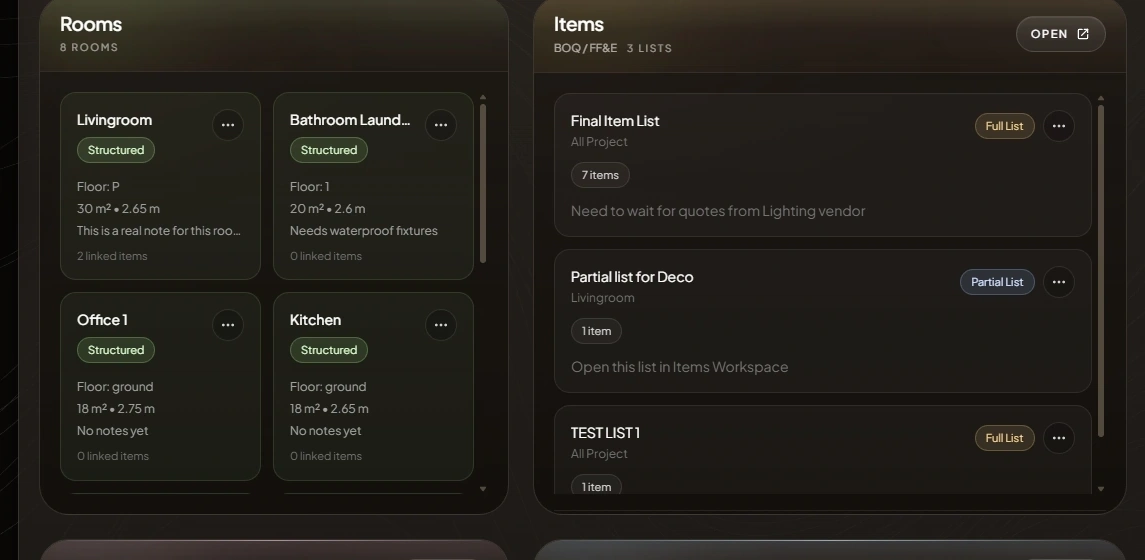
Spatial context and sourcing scope stay attached.
The latest project changes remain visible.
Where does every product belong?
A populated Items Workspace connects the product image and source to its room, list, supplier, reference, quantity, VAT, margin, and status.
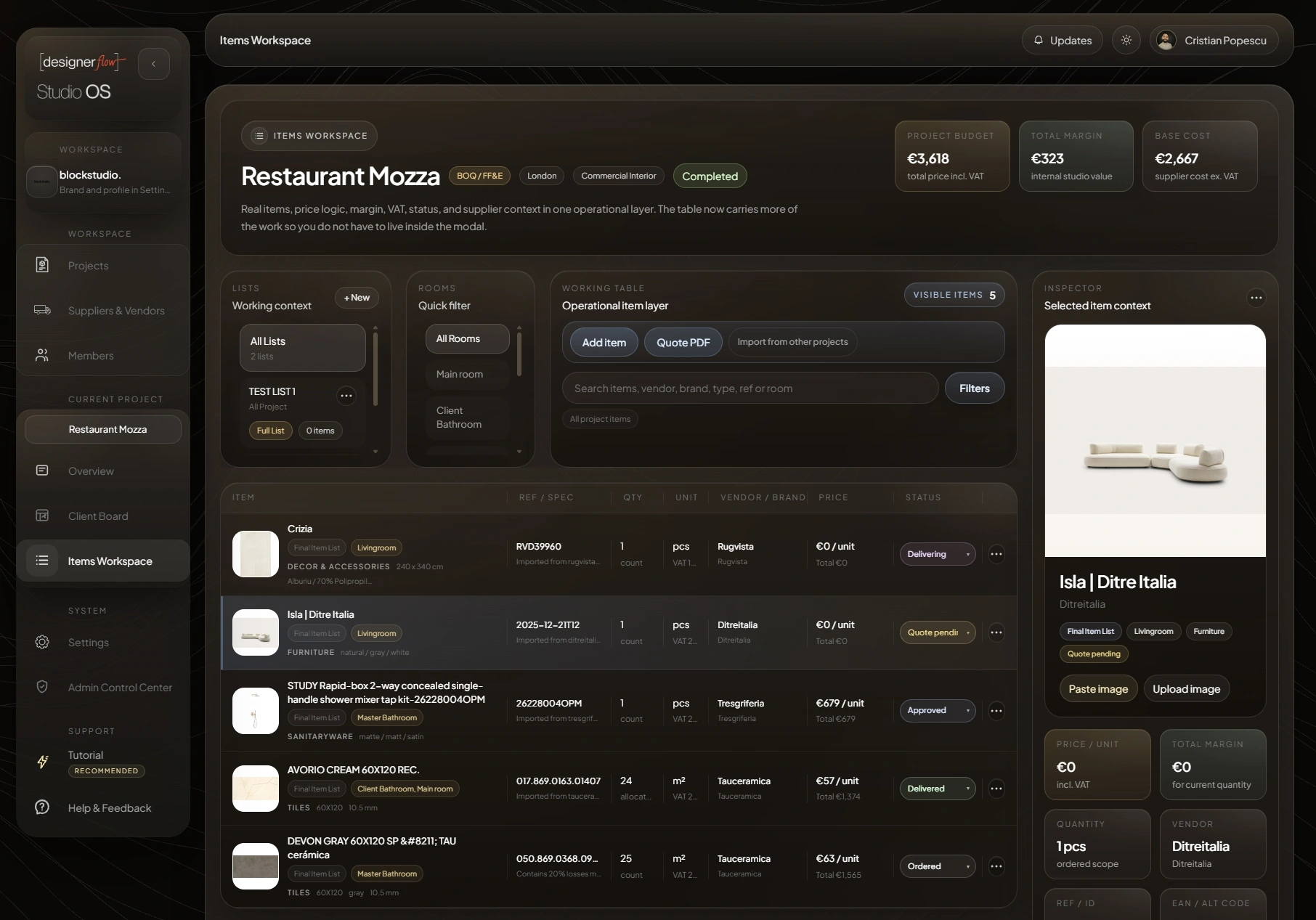
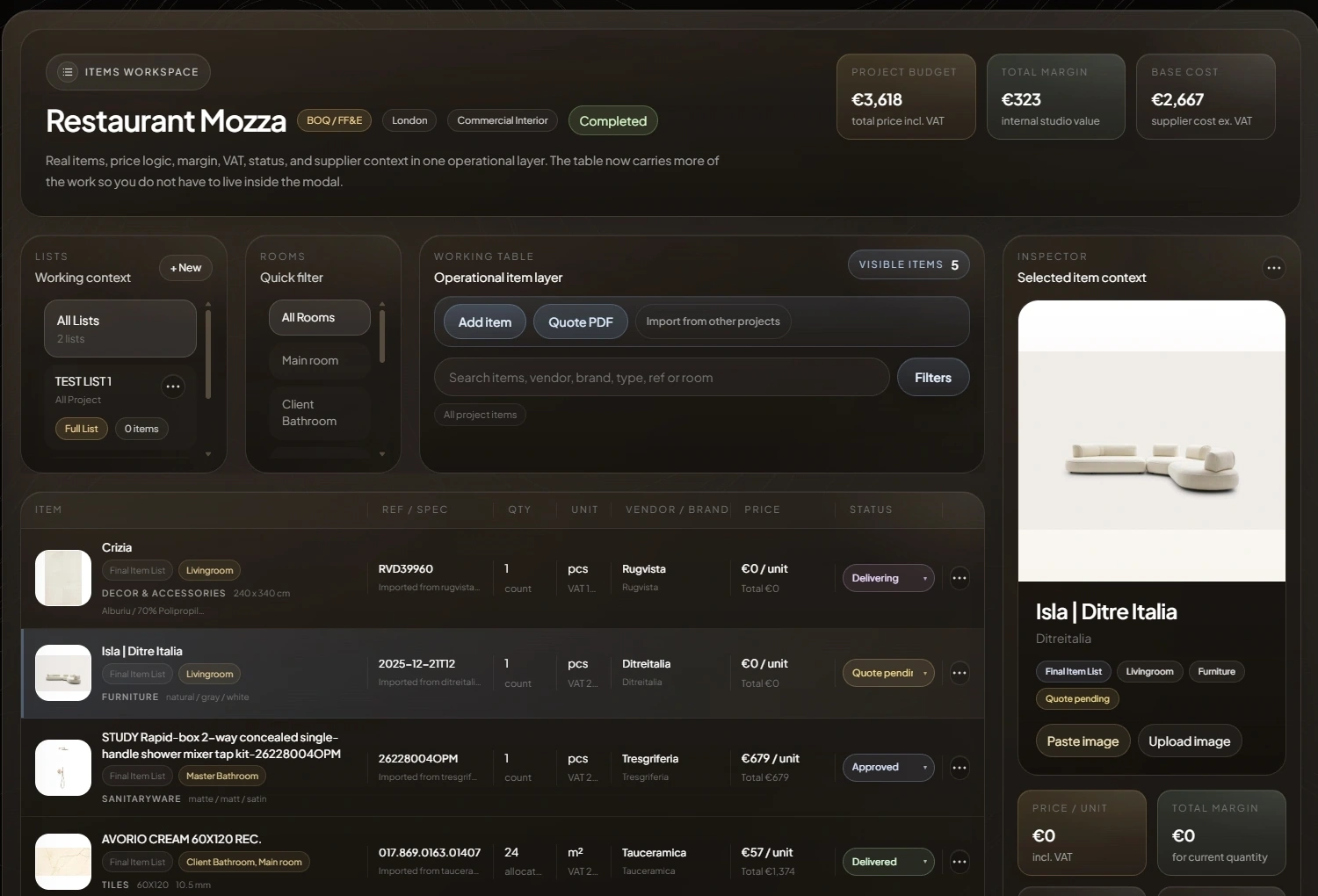
Product context starts at the original source.
Room, list, unit, cost, and status remain structured.
Supplier memory stays reusable.
Who supplied this, and where did it come from?
Supplier records stop being fragments in inboxes and spreadsheets. Contact, category, website, and project relationships stay available for the next decision.
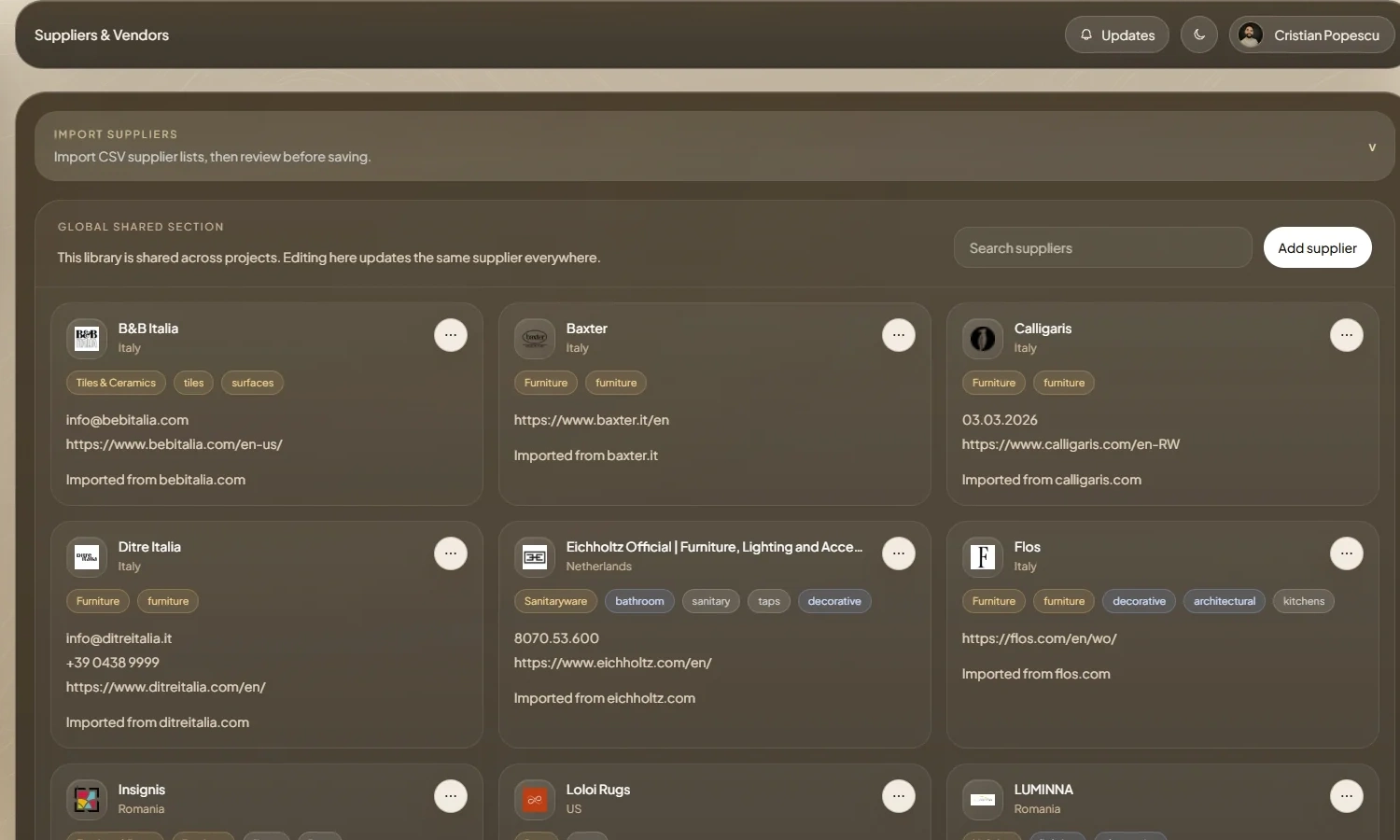
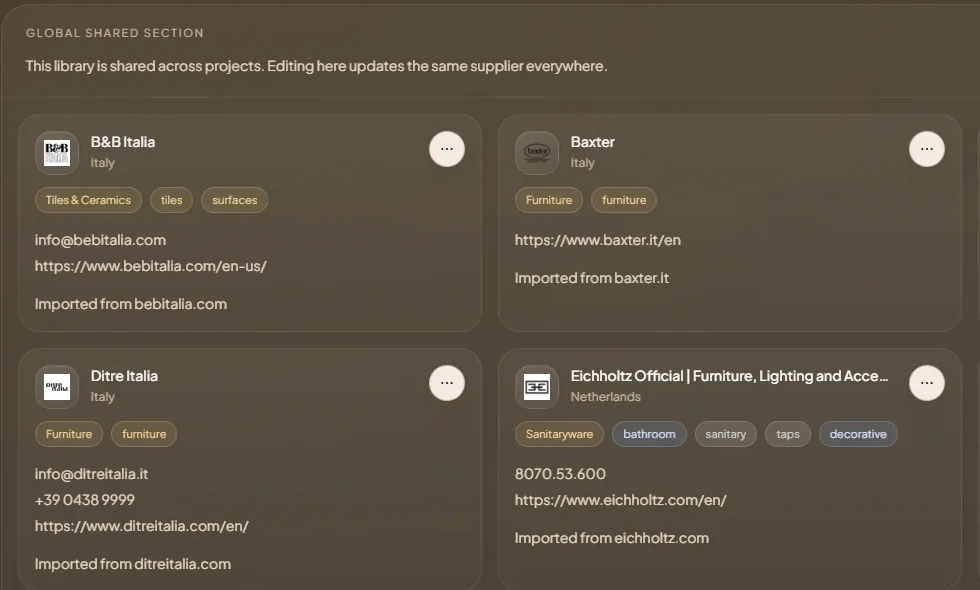
Source once. Reuse the relationship.
The item and supplier remain connected to the project record, while the library builds studio memory across projects.
Names, contacts, categories, and source websites.
Which version is current, and can the client review it?
Visual revisions and technical documents keep their context. The current version stays explicit while earlier work and conversation remain accessible.
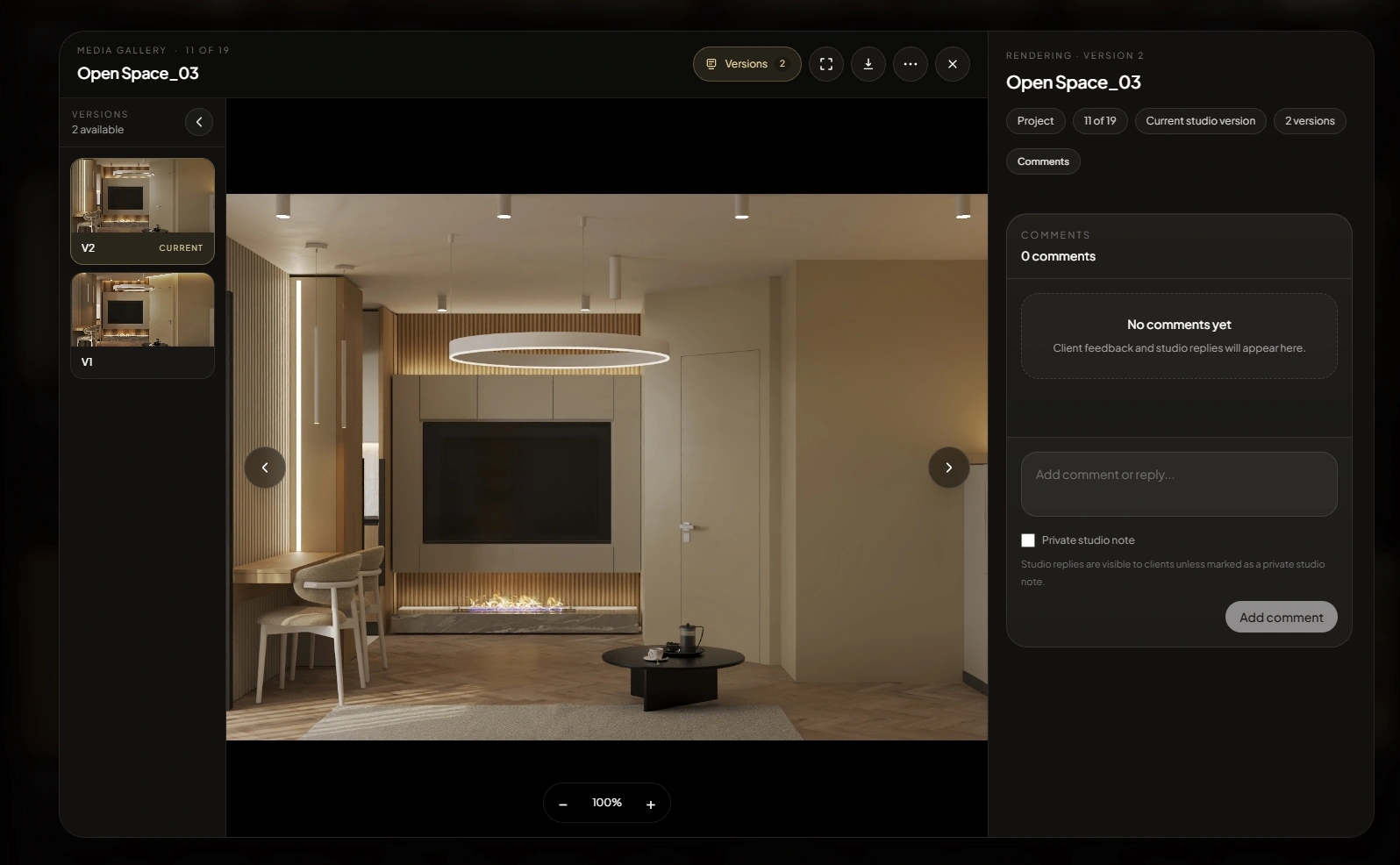
The active visual stays explicit.
Earlier revisions remain available.
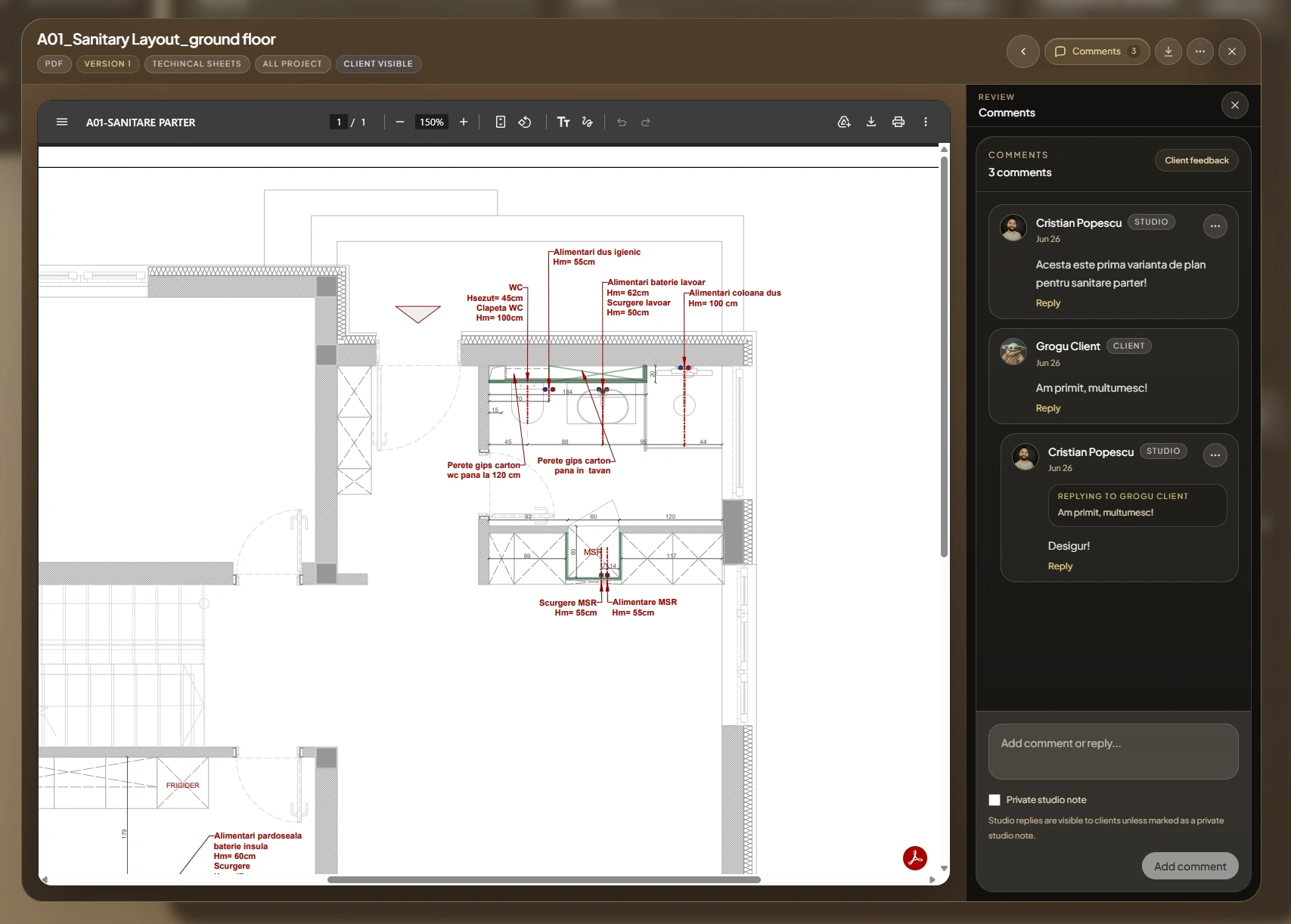
Technical PDFs and client-visible conversation share one review surface.
What does the client see, and what stays inside the studio?
The studio publishes a curated project view. Shared media, documents, lists, and comments stay useful to the client without exposing internal working information.
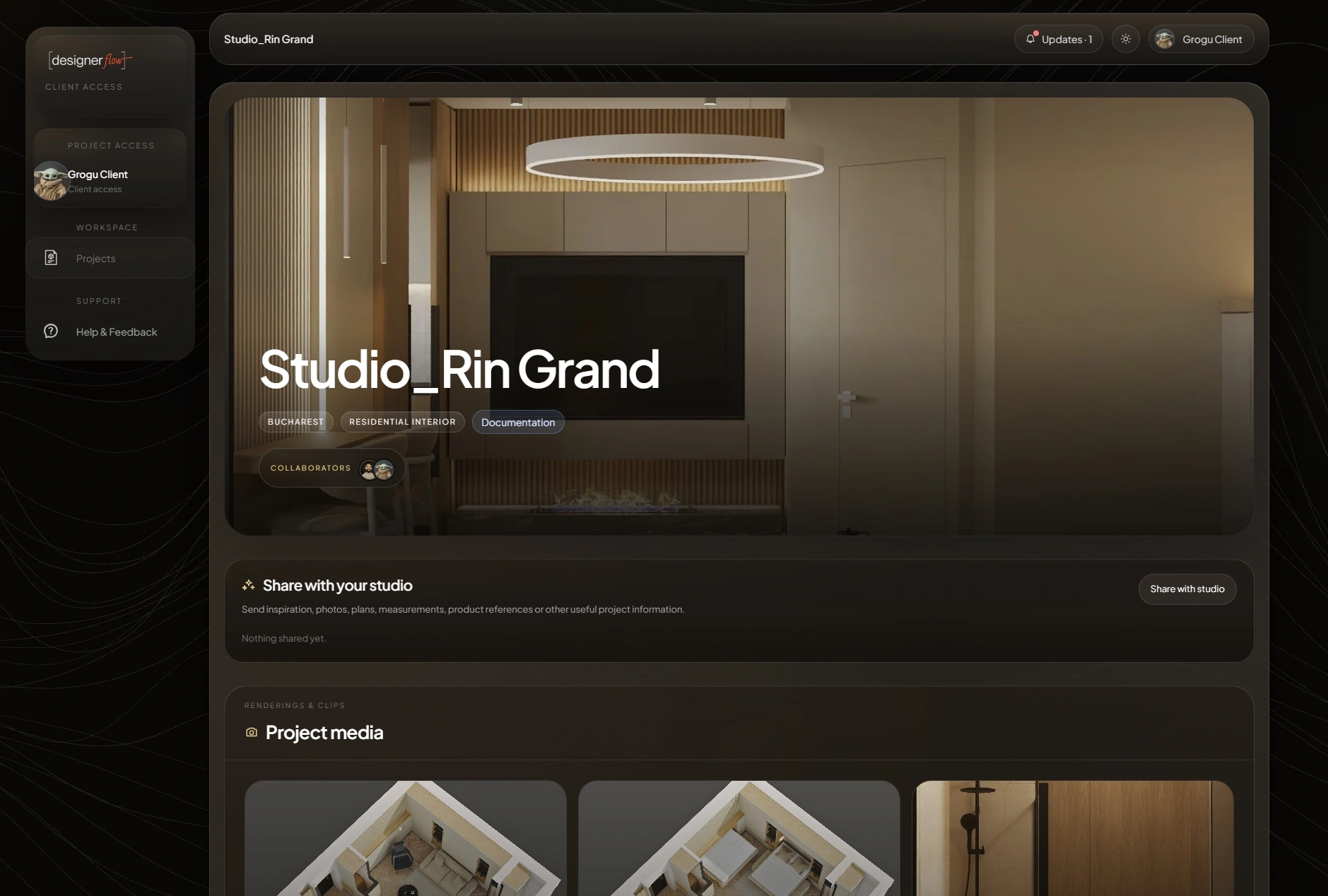
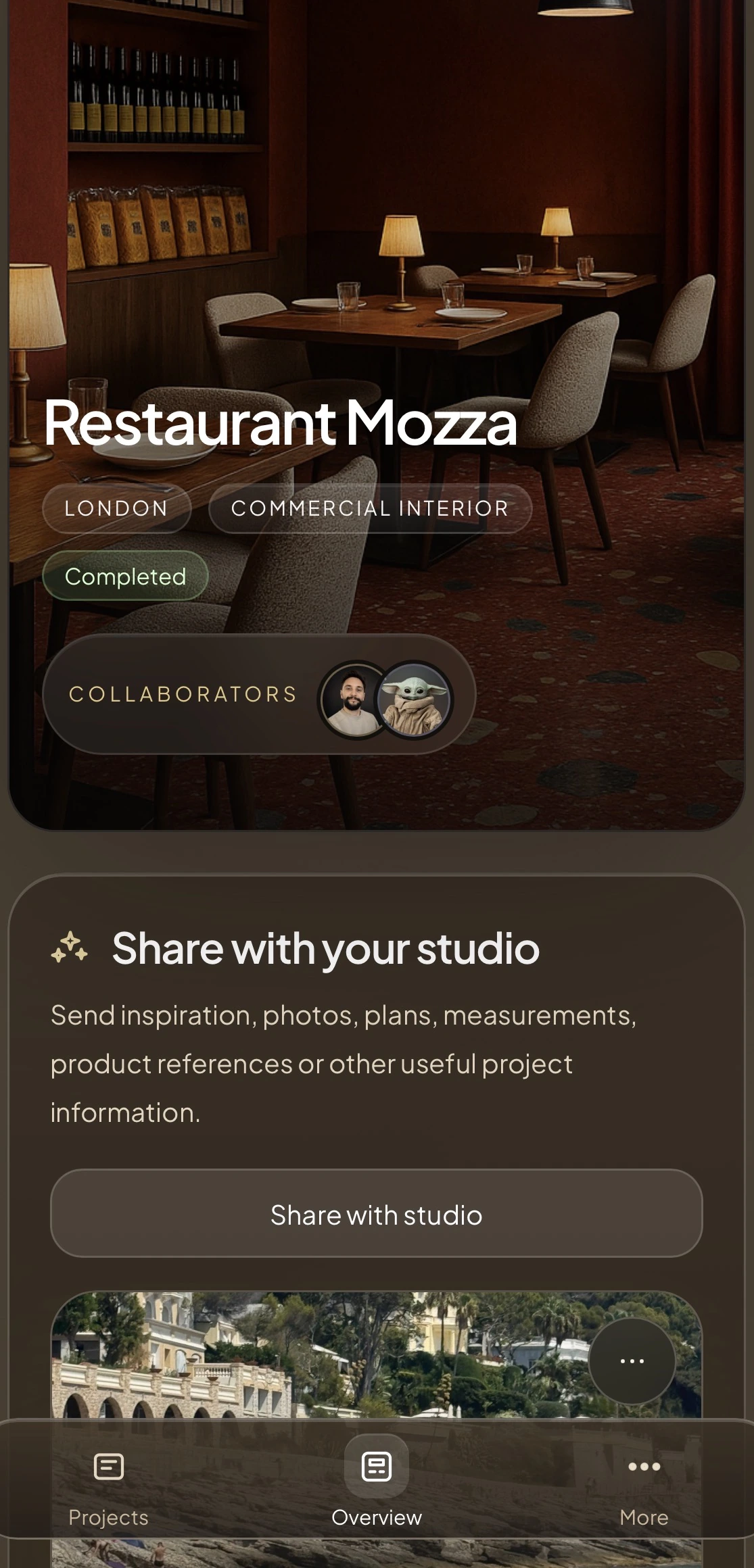
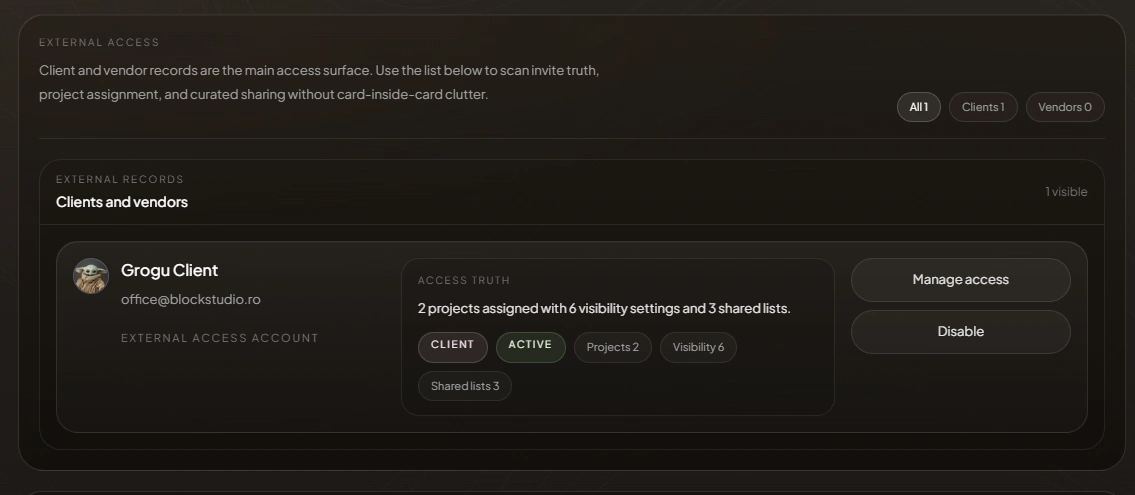
Studio inside. Clients curated. Project and shared-list access stay explicit.
What changed since yesterday?
Project Notes hold the working context. Activity records the visible trail, so the next decision begins with the project rather than another status meeting.
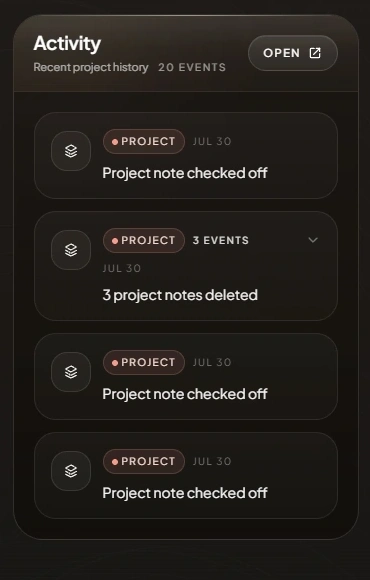
Working notes remain attached to the project.
Recent changes can be read without reconstructing them from messages.
“The project remembers where the work moved.”
What does the supplier need, and can the project travel?
Current project selections become a supplier-ready Quote PDF. The same studio and client project remains available on mobile where review, sourcing, and site work happen.
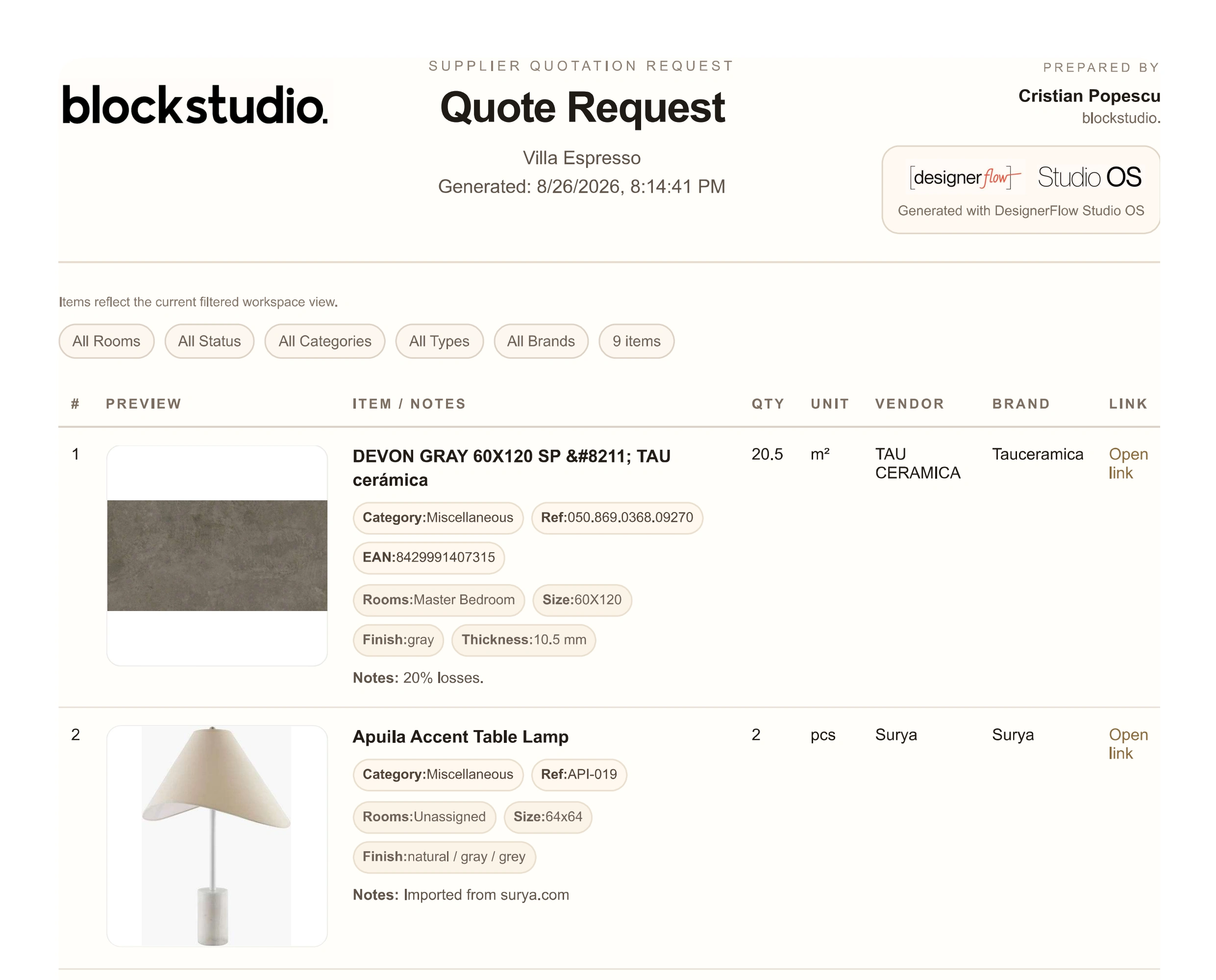
Live project selections become a structured request without rebuilding the schedule by hand.
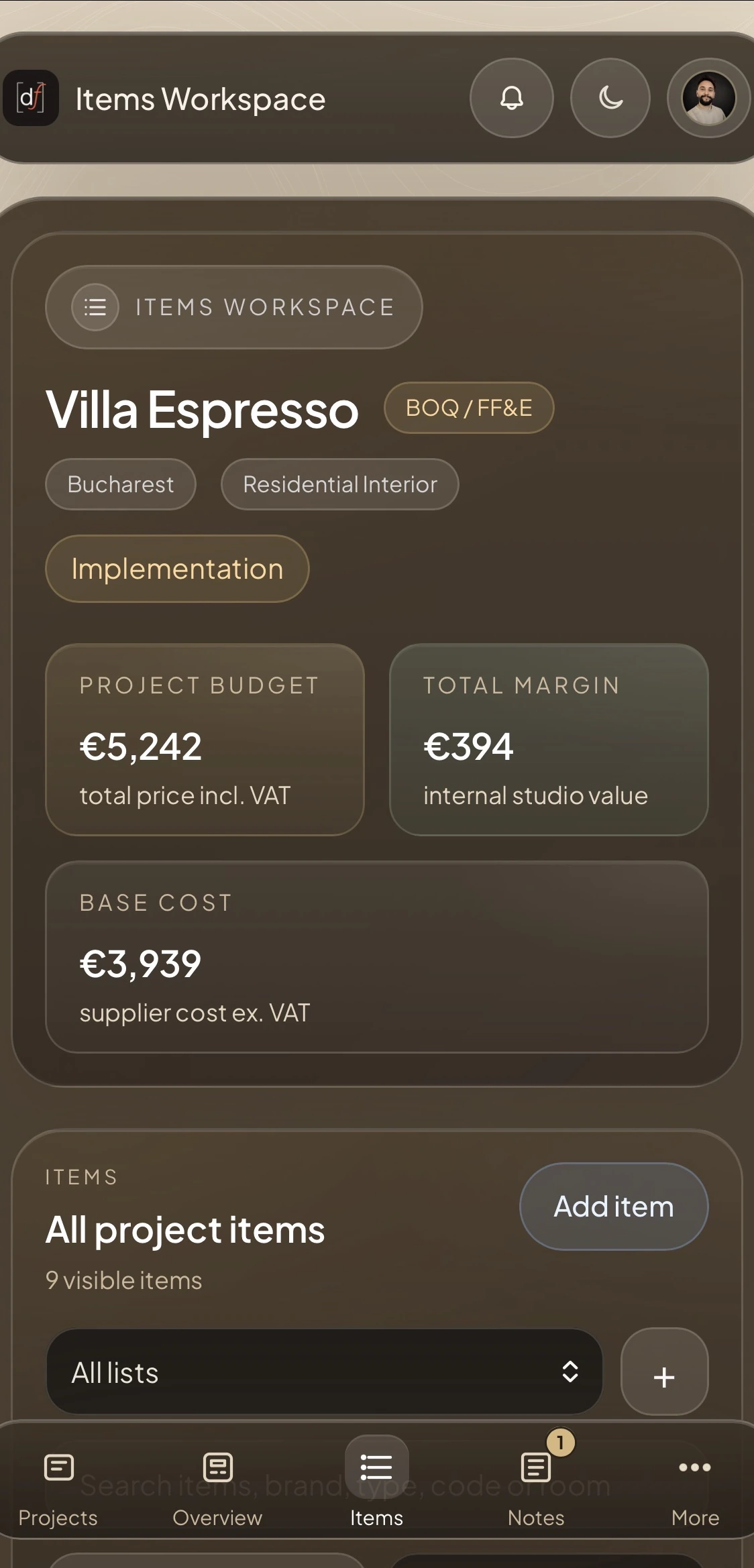
The project stays connected from first room to final output.
Start with one active project. No payment method required.